MCD USB Hubs

SWITCH AND MONITOR USB PORTS INDIVIDUALLY
Intelligent control of USB connections in inspection and testing systems

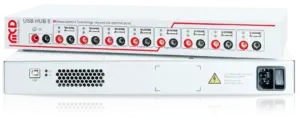
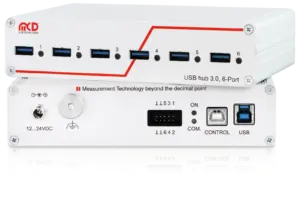
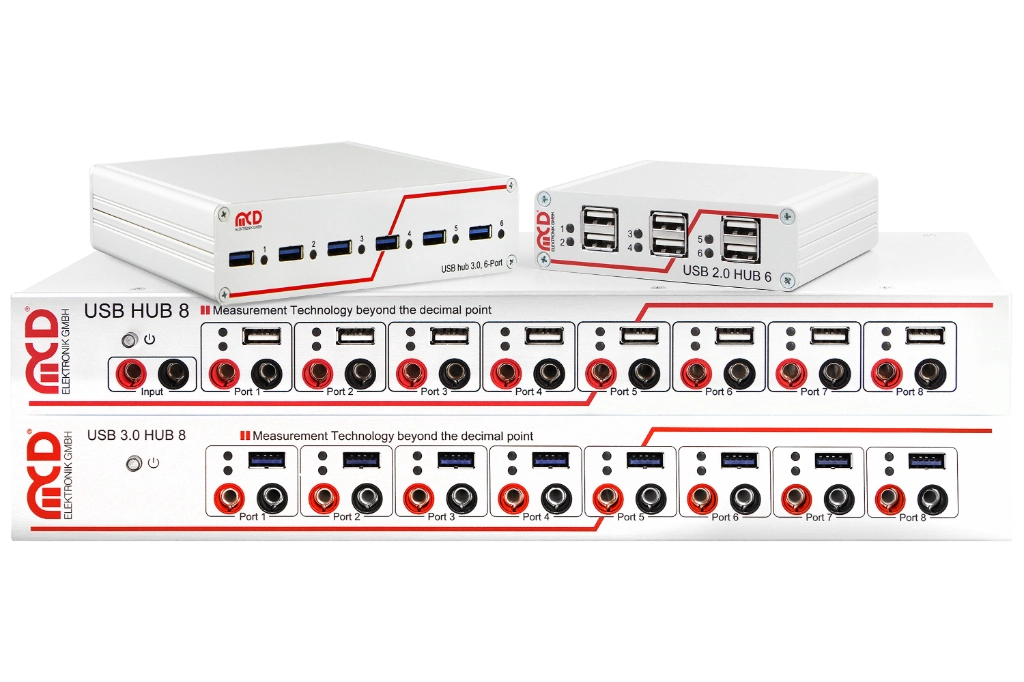
MCD USB hubs put connected USB devices under control. Each port can be switched on and off individually, disconnecting both the 5 V supply and the data lines. Devices can therefore be activated selectively, connections disconnected, and defined on/off sequences executed without unplugging cables by hand. This simplifies test bench automation and supports laboratory troubleshooting as well as repeated testing in production. USB 2.0 and USB 3.0 variants with six or eight ports are available. Depending on the model, current measurement, charging port functions, additional control inputs or a relay multiplexer complement port switching. The “USB hub 6” and “USB hub 8” toolmonitors provide convenient operation and software integration. Further control options enable integration into custom applications and existing test procedures. USB connectivity thus becomes a directly controllable part of your test system.
Challenges and concept

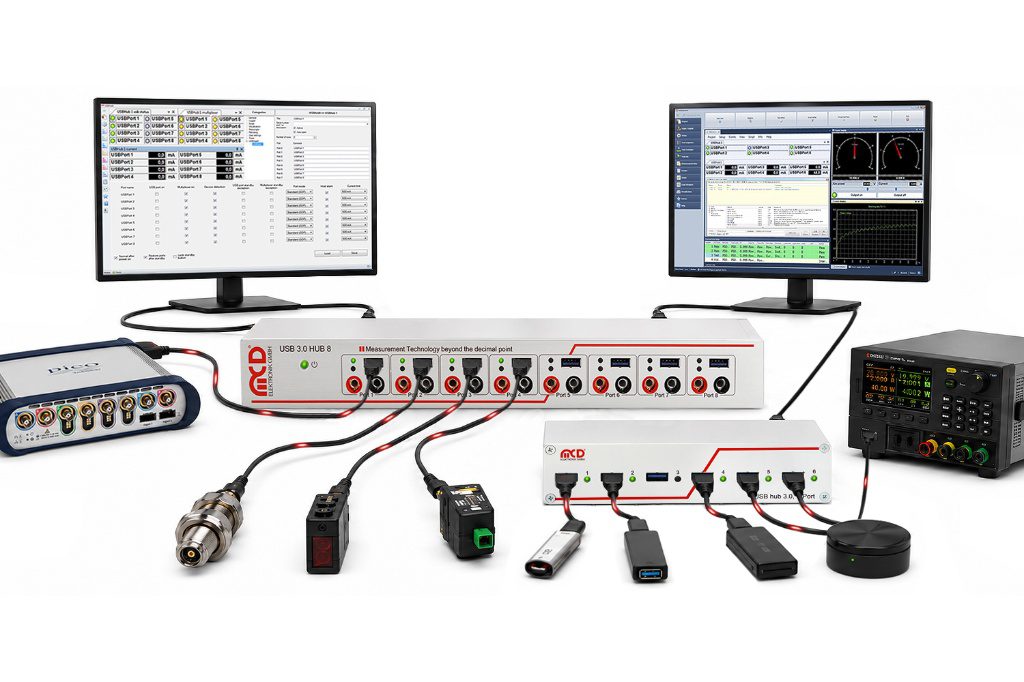
Cameras, scanners, measurement modules and programming devices need to be available at the right point in the test procedure. If a device stops responding or a connection needs to be re-established, manual intervention can be time-consuming. MCD USB hubs enable targeted switching directly within the test system.
components_usbhubs-architektur-1024x682

SWITCH AND MONITOR USB PORTS INDIVIDUALLY

Control USB devices to suit the test procedure

The individually switchable ports disconnect the data connection and power supply. This allows startup sequences to be defined and on/off cycles to be automated. Depending on the variant, current measurement, overcurrent shutdown and status indicators support monitoring of connected devices.

The appropriate toolmonitors provide a graphical interface and automation interfaces. Models with additional control inputs can also be switched by external signals.

Port control
Activate devices individually and disconnect connections
Monitoring
Status and current consumption depending on the version
Integration
Toolmonitor, virtual COM port with simple text commands & additional digital control options
Test and functional scope

Switchable & easy to integrate

MCD USB hubs combine targeted port switching with functions for the test environment. The choice depends on the USB standard, number of ports and additional control connections. Monitoring and charging functions depend on the device version.
USB 2.0 hub, 6-port
USB hubs
Recording Operation
USB Hub Structure
USB Hubs
with monitors

Individual USB devices can be selectively switched on and off. Disconnecting the power supply and data lines enables defined switching sequences and device re-enumeration.

  • Individually switchable USB ports
  • Disconnection of data and power
  • Automated on/off sequences
  • Defined connection states

Depending on the model, port currents can be monitored and current limits configured. Overcurrent shutdown and LED indicators support operational monitoring.

  • Current measurement depending on the variant
  • Adjustable current limits depending on the model
  • Overcurrent shutdown
  • LED status indicators

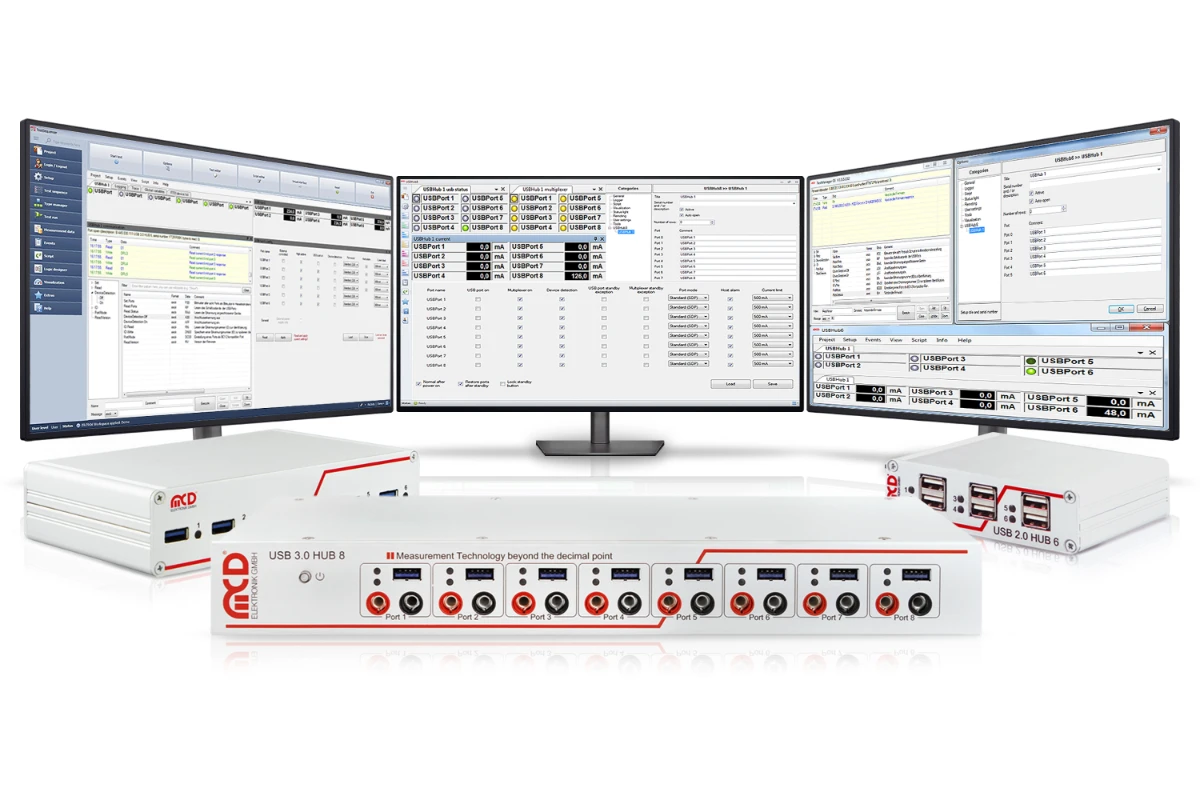
The toolmonitors control the matching 6-port or 8-port hubs and display port states and supported measurements. Additional functions depend on the toolmonitor and hardware.

  • Toolmonitor USB hub 6
  • Toolmonitor USB hub 8
  • Manual and automated operation
  • Configuration, switching and monitoring of ports
  • COM/DCOM and .NET assembly
  • Command-line tool and custom software
  • Integration into TestMate, TestManager, Comet, LabVIEW and other applications
  • Additional USB control connection and parallel input depending on the model
Flexible use in different test setups

From laboratory workstations to automated test benches, USB devices can be integrated selectively into the procedure. The right hub variant and associated control support recurring switching sequences and changing test setups.

Test procedures and concepts used

MCD USB hubs make USB connections individually switchable. Depending on the model, current monitoring, charging functions and additional control connections are included. Devices can therefore be integrated into manual and automated test procedures in a controlled way.

Port and device control
Switch individual USB ports on and off
Disconnect data lines and the 5 V supply
Automate defined switching sequences
Use external signals on variants with digital inputs
Monitoring and operating states
Measure current consumption per port depending on the model
Use overcurrent shutdown and available current limits
Monitor port states through LED indicators
Configure charging modes depending on the model
Software and system integration
Use the appropriate USB hub 6 or USB hub 8 toolmonitor
Remote control through COM/DCOM or a .NET assembly
Direct control through ASCII commands depending on the model
Separate control from the data host through an additional USB connection, where available

Hardware variants for different test environments
MCD USB hubs are available with six or eight ports and in USB 2.0 or USB 3.0 versions. Additional control connections and switching functions distinguish the models.

USB 3.0 hub, 8-port, switchable

Eight individually switchable USB 3.0 ports for data-intensive measurement and test tasks. An additional 8-channel relay multiplexer enables independent switching operations, for example for external device power supplies.

USB 2.0 hub, 8-port, switchable

Eight individually switchable USB 2.0 ports for test setups with multiple devices. This version also includes an 8-channel relay multiplexer. Port configuration and charging functions complement device connectivity.

USB 3.0 hub, 6-port, 2 control inputs, switchable
Six individually switchable USB 3.0 ports. An additional USB control connection allows control from a separate host. External signals can switch the ports through the parallel input.

USB 2.0 hub, 6-port, 2 control inputs, switchable
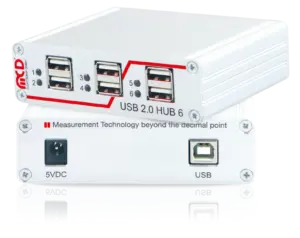
Six individually switchable USB 2.0 ports with an additional USB control connection and parallel input. Current measurement and adjustable current limits support monitoring of connected devices.

USB 2.0 hub, 6-port, switchable

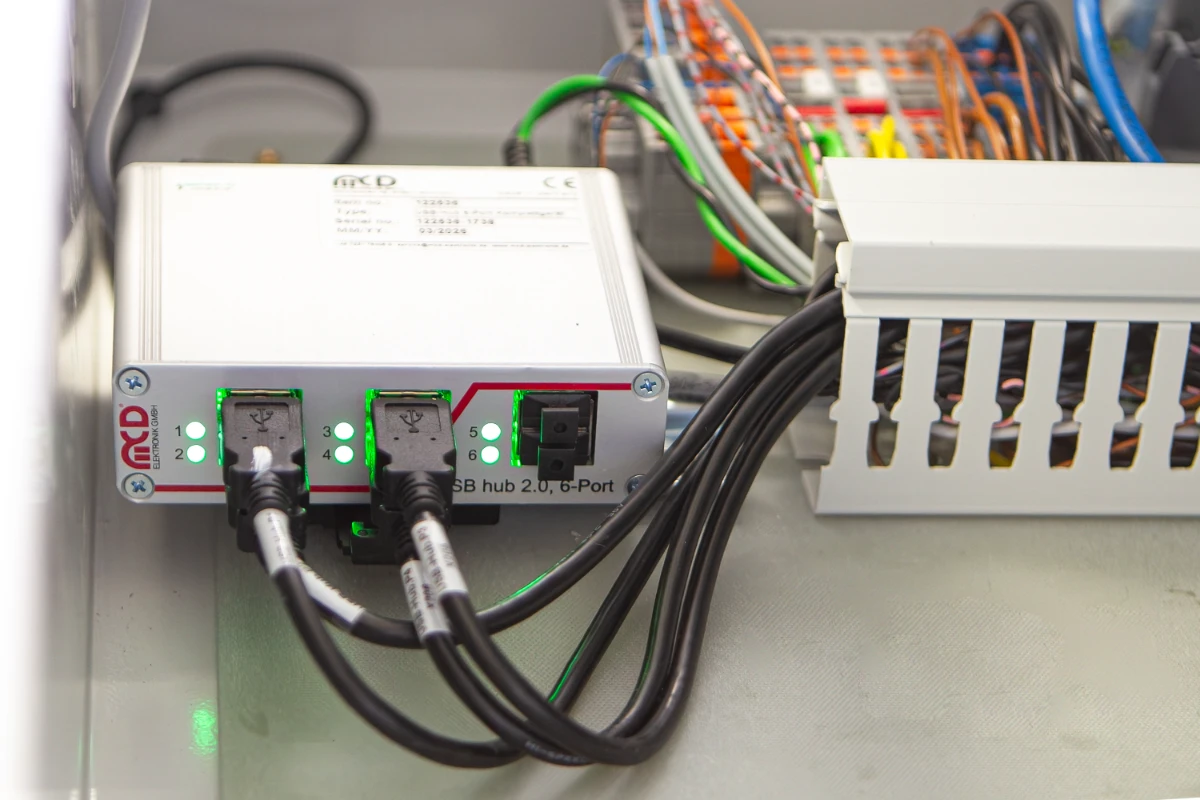
A compact version for targeted switching of six USB 2.0 ports. The power supply and data lines are disconnected together. This variant is suitable for laboratory workstations and test setups with software-controlled USB connections.

FREQUENTLY ASKED QUESTIONS

FAQS

A switchable USB hub connects multiple USB devices to a host and allows individual ports to be switched on and off selectively. MCD USB hubs disconnect both the 5 V supply and the data lines. Connections can therefore be established and interrupted in a controlled way, and on/off sequences automated.
Typical applications include laboratory workstations, functional test benches, end-of-line tests and endurance testing. Devices under test, cameras, scanners, measurement modules or programming devices can be activated selectively. Port switching simplifies repeated tests and can replace manual intervention when connecting and disconnecting USB devices.
MCD offers USB 2.0 and USB 3.0 hubs with six or eight ports. The 6-port models with two control inputs have an additional USB control connection and a parallel input. The 8-port versions supplement the USB ports with a relay multiplexer. Current measurement and charging functions depend on the model.
Through the appropriate toolmonitor or its COM/DCOM and .NET interfaces. The 6-port models with additional control inputs also support ASCII text commands through a virtual serial port, a command-line tool and external signals at the parallel input. Direct serial control is also possible under Linux.
The toolmonitors switch and monitor the matching ports and display their current consumption where supported by the hardware. “USB hub 6” provides scheduling, charging settings and power supply settings, among other functions. “USB hub 8” supports USB 2.0 and USB 3.0 hubs and, depending on the device, also provides multiplexer control, temperature monitoring and standby functions.

Downloads

Detailed Information

Technical Report: USB 3 Hub 8
Technical Report: USB 3 Hub 6
USB Hub Flyer